

Search before scanning
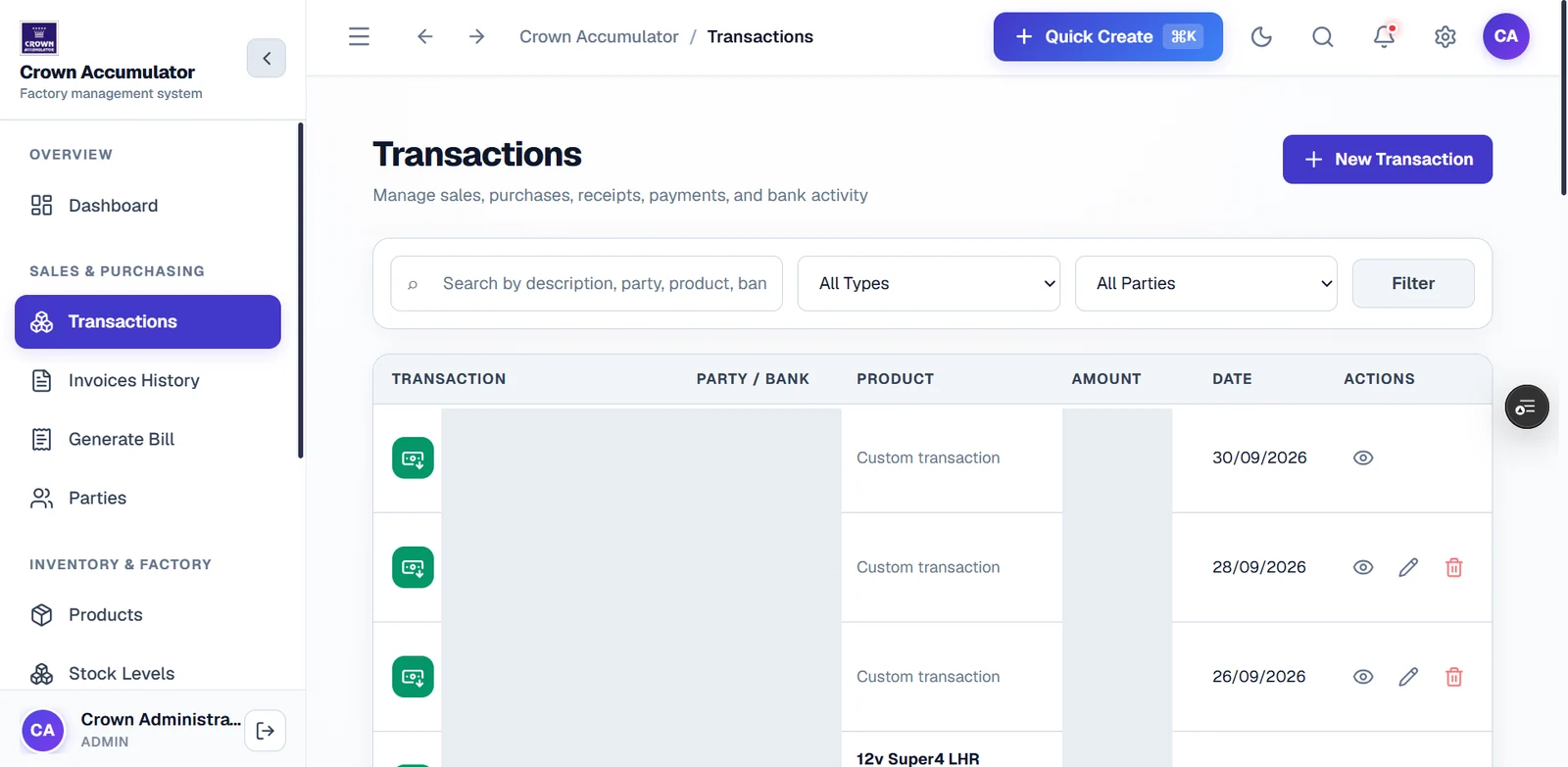
A search field sits beside All Types and All Parties controls, keeping record discovery above the table.
Financial records, easier to locate
A dedicated transaction view with search, type and party filters, and clearly separated record columns.
Admin-only application · Company-supplied interface preview
The design context
The transactions screen introduces sales, purchases, receipts, payments and bank activity as a connected area of the management system. Search and filters appear before the list, so record discovery has a clear starting point.
Reading the interface
A search field sits beside All Types and All Parties controls, keeping record discovery above the table.
The table separates transaction, party or bank, product, amount, date and actions. The public preview obscures private references, counterparties and amounts.
New Transaction and Quick Create entry points are present. No accounting writes or financial transactions were submitted during this portfolio review.
Invoices History, Generate Bill, Parties, Products and Stock Levels remain nearby in the sidebar, connecting record work with the wider factory-management context.
The intended journey
A few useful distinctions
No. Financial calculations, ledger reconciliation and regulatory compliance were not independently audited for this portfolio page.
No. No client sign-in, accounting write or financial mutation was performed. The walkthrough is based on the supplied screenshot.
A system shaped around your work
Tell us where your existing tools create friction and what a clearer working day would look like.
Discuss a similar workflow ↗